Interview editor
A guest track has light room noise and inconsistent volume, but the voice already sounds natural.
A focused enhancer can improve consistency while preserving the speaker’s original character.
Audio comparison
voice enhancer vs ai audio is a practical choice between targeted cleanup and broader automated reconstruction. This guide shows what each approach changes, where it works best, and how to choose without overprocessing a recording.
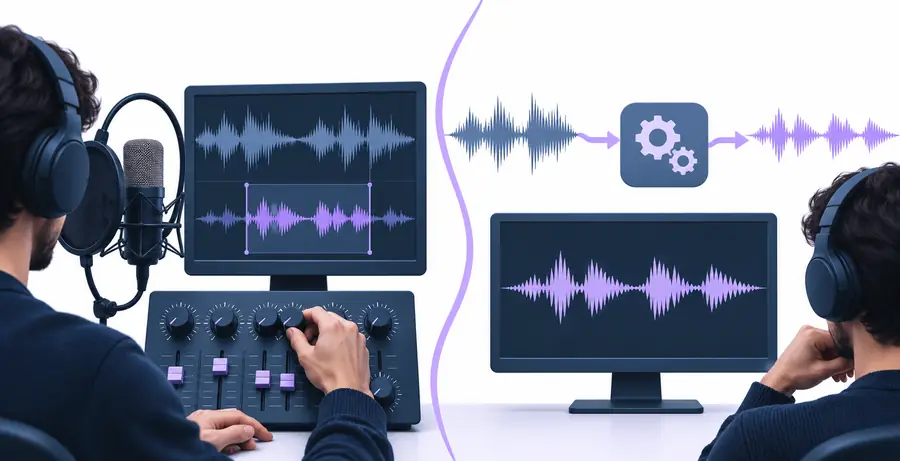
Use the comparison as a starting point, then follow the workflow that matches your recording, channel, or editing stage.
Both methods can improve intelligibility, but they reach that result through different kinds of decisions.
Listen for the main problem first: steady background noise, room echo, uneven loudness, harsh frequencies, or speech that is difficult to understand.
A voice enhancer usually focuses on cleanup and balance. AI audio processing may also infer missing detail, separate elements, or reshape the sound more broadly.
Check the result through headphones and ordinary speakers. Keep the version that makes speech easier to follow without introducing metallic, watery, or unnatural artifacts.
These are the practical dimensions to listen for when comparing a focused enhancer with a wider AI-driven treatment.
A useful comparison starts with the same source file. The better result is not always the more dramatic one; it is the version that serves the listener and the delivery format.
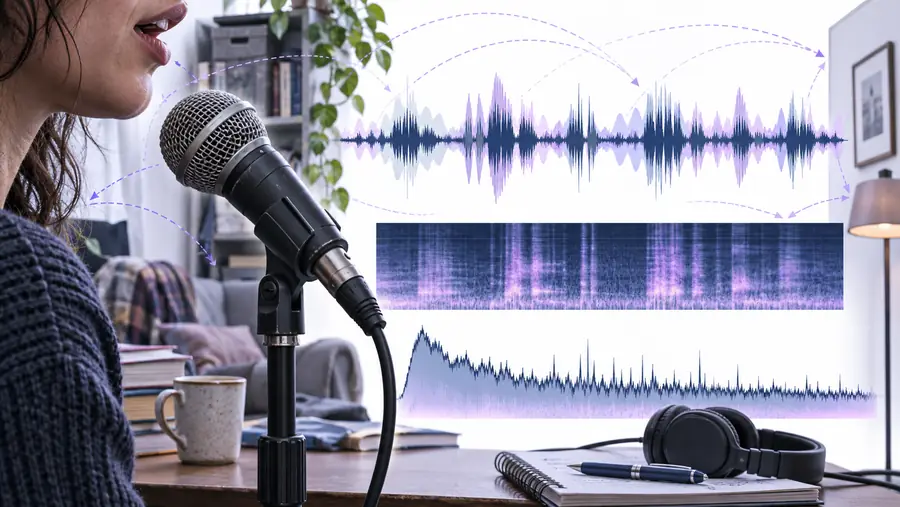
Compare speech clarity, room sound, tone, and artifacts at the same listening level.
Source recordingProcessed speechThe best choice depends on the source, the amount of control you need, and how noticeable the finished voice should feel.
A guest track has light room noise and inconsistent volume, but the voice already sounds natural.
A focused enhancer can improve consistency while preserving the speaker’s original character.
A talking-head clip contains distracting background sound and needs to sit clearly under music or visuals.
Use targeted cleanup first, then judge the speech against the complete edit rather than in isolation.
A recording needs a consistent, intelligible presentation across several speakers and environments.
Compare both methods on representative sections and favor the process that keeps tone consistent without audible artifacts.
The lesson is understandable, but the voice lacks presence on everyday laptop and phone speakers.
A measured enhancer may be enough; broader AI processing is worth testing only when ordinary cleanup does not solve the problem.
A one-off recording was made in an untreated room with uneven distance from the microphone.
Start with the simplest process that restores clarity, then inspect pauses and consonants for unnatural reshaping.
Neither label guarantees a better result. The useful distinction is how much the process changes, how much control remains, and what the source recording can support.
| Voice enhancer | AI audio | |
|---|---|---|
| Primary purpose | Improve speech clarity, balance, and listening comfort | Use learned processing to make broader changes to the audio |
| Typical starting point | A recognizable voice that needs cleanup or polish | A difficult source where ordinary cleanup may not be enough |
| Amount of change | Usually narrower and easier to keep subtle | Potentially more substantial, depending on the tool and source |
| Control | Often easier to evaluate as a sequence of familiar audio decisions | May rely more heavily on an automated model’s interpretation |
| Naturalness | Good fit when preserving the original speaker is the priority | Can sound convincing, but aggressive settings may create synthetic artifacts |
| Best first test | Try it when the speech is present but masked, dull, or uneven | Try it when separation, reconstruction, or stronger intervention is needed |
| Main risk | Over-cleaning can remove useful room tone or make speech thin | Over-processing can alter identity, timing, texture, or consonants |
| Review question | Is the same voice easier to follow now? | Does the transformed result still fit the speaker and context? |
Start with a representative clip rather than the easiest or worst moment in a project. Process it, listen at a comfortable level, and choose the result that improves speech without calling attention to the processing.
A voice enhancer generally focuses on making an existing voice clearer, more balanced, and easier to hear. AI audio processing can include those improvements but may also attempt broader reconstruction, separation, or transformation.
No. A focused enhancer is often the better first choice when the speaker is already recognizable and the problems are noise, loudness, or clarity. More extensive AI processing may be useful when the recording has severe interference or needs a larger change.
Yes. Excessive processing can produce a thin, metallic, watery, or overly smooth voice, regardless of the method. Compare the processed clip with the source and reduce the intervention when the speaker’s identity or natural pauses begin to change.
Listen for intelligibility first, then check tone, background texture, consonants, pauses, and consistency between words. The stronger result is the one that remains comfortable and believable in the final listening context.