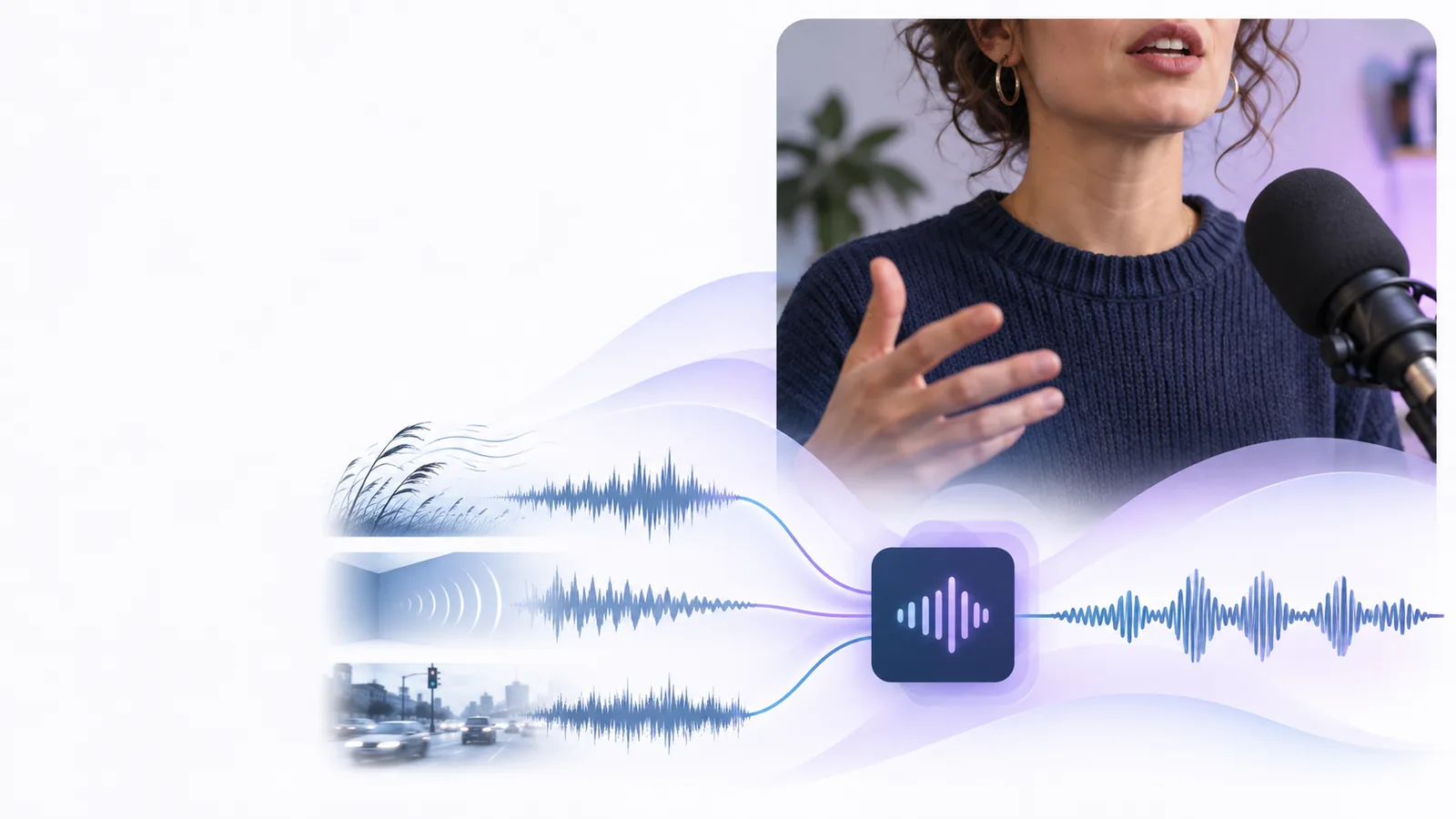
Voiceenhancer
Enhance audio
English

Video voice clarity

Use a voice enhancer in video for clearer speech without losing the natural delivery

A voice enhancer in video can bring dialogue forward, reduce distracting background sound, and make spoken moments easier to follow while keeping the original performance intact.

Review the result before publishing
Clear spoken dialogue being prepared for a video

Three changes that shape the result

Video voice enhancement usually works across several connected improvements rather than one dramatic switch.

  1. 1

    Reduce competing sound

    The process can lower the prominence of steady background noise, hum, or room sound so the spoken track has more space.

  2. 2

    Bring speech into focus

    Voice detail becomes easier to hear when muddiness and masking are reduced, especially around consonants and quieter words.

  3. 3

    Balance the listening level

    More even loudness helps viewers follow a speaker through pauses and changes in distance without constant volume adjustments.

A practical workflow for video dialogue

The right approach depends on what was recorded, where it will be watched, and how much natural room character you want to keep.

Interview editor

A two-person interview has room tone and occasional background activity competing with the speakers.

Clean the dialogue first, then compare it with the original so the conversation stays natural. See the broader workflow in how to use voice enhancer online.
how to use voice enhancer online

Course creator

An instructional recording is understandable on headphones but less clear through ordinary laptop speakers.

Improve speech focus and level consistency so learners do not have to keep adjusting the volume. Review related voice enhancer examples online for similar use cases.

voice enhancer examples online

Short-form creator

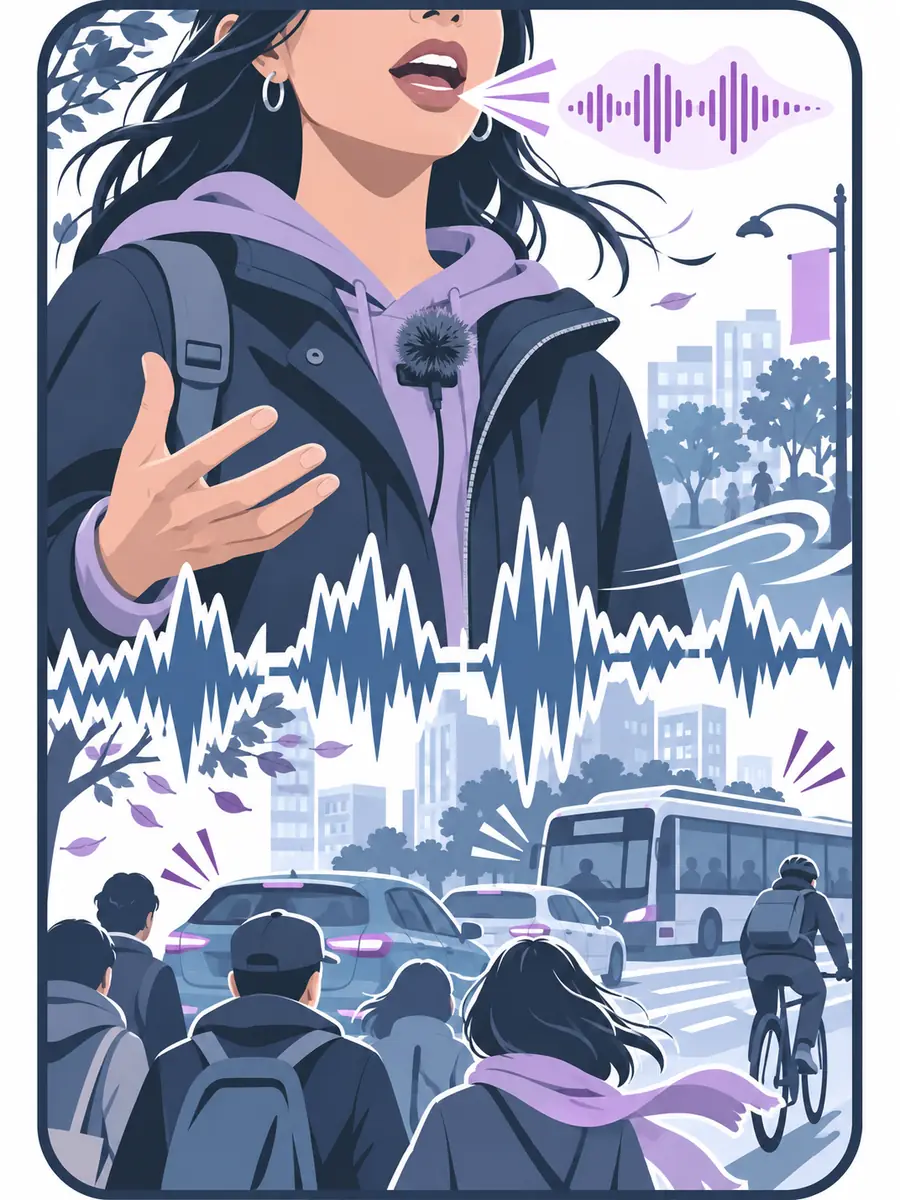
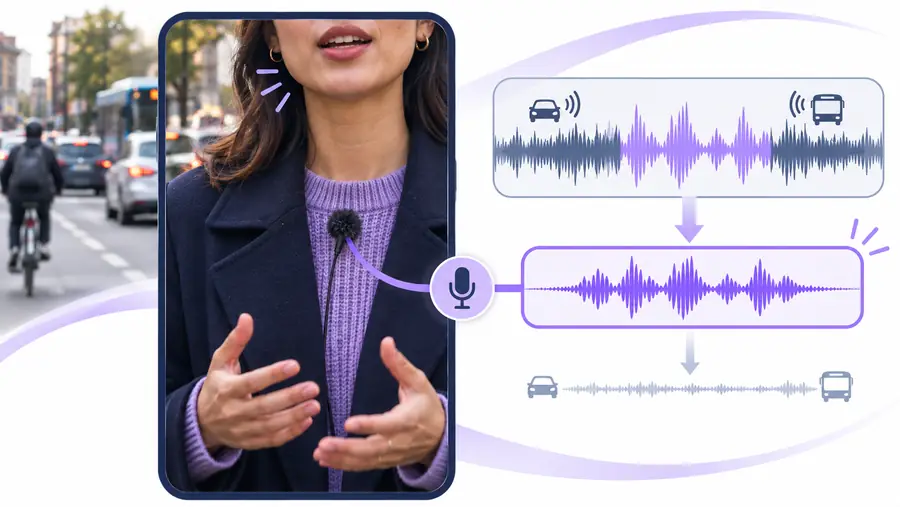
A talking-head clip includes traffic, wind, or movement sounds that distract from a short spoken message.

Reduce the most noticeable distractions while preserving the speaker’s timing and personality. A voice enhancer online can fit this quick review cycle.

voice enhancer online

YouTube producer

A finished edit has clear visuals, but the narration feels distant or inconsistent from shot to shot.

Give the dialogue a more dependable presence before publishing, then check it on the same devices your audience uses. See guidance for a voice enhancer for youtube.

voice enhancer for youtube

Limits and edges to check

Enhancement can improve an imperfect recording, but it cannot recreate details that were never captured or guarantee the same result for every clip.

Video dialogue with distracting background sound
Original mix
Video dialogue with clearer vocal focus
Enhanced mix

Always compare the result with the original. Strong processing can make speech sound unnatural, emphasize breaths, or expose artifacts when the source is heavily clipped, distant, or covered by other voices. If the background sound carries important context, reduce it carefully rather than removing it completely. A good result supports the story; it should not make the speaker sound disconnected from the scene.

Original mixEnhanced mix

Original track versus enhanced track

Use this comparison as a listening checklist rather than a promise that every recording will respond in exactly the same way.

Original video audio Enhanced video audio
Speech presence Dialogue may sit behind room tone or other sounds. Spoken words are easier to notice in the mix.
Background noise Steady noise can compete with quiet phrases. Distracting noise may be reduced around the voice.
Loudness changes Different distances or takes may feel uneven. Level differences can feel more controlled.
Natural character The recording keeps all of its original room sound. Some room character remains, depending on the source.
Severe clipping The problem remains a source limitation. Enhancement cannot fully restore missing or clipped detail.
Multiple speakers Separation is not guaranteed. Results depend on how distinct and clear the speakers are.

Bring your video voice into a clearer listening space, then review the result against the original before it becomes part of your final edit.

Make the dialogue easier to follow

  • Reduce distracting background sound
  • Improve speech focus and consistency
  • Keep a natural comparison point
Enhance my video

Frequently asked questions

Yes. A voice enhancer can process the spoken audio associated with a video so dialogue is easier to hear and competing sound is less distracting. The result depends on the recording quality, background noise, and how clearly the speaker was captured.

It can improve the perceived clarity and consistency of speech by reducing masking noise and balancing uneven levels. It does not change the meaning of the video, and it cannot reliably repair detail that was clipped or never recorded.

Not always. Background noise may be reduced, but heavy noise, overlapping voices, wind, distortion, or music can limit how clean the final result sounds. Comparing the enhanced version with the original helps you avoid over-processing.

Yes. Interviews, lessons, talking-head clips, and narrated videos are common situations where clearer speech can help viewers follow the message. Check the result on the speakers or headphones your audience is likely to use.

Enhance audio
Enhance audio