Voiceenhancer
Enhance audio
English

Use case guide

Voice Enhancer Examples Online for Everyday Recordings

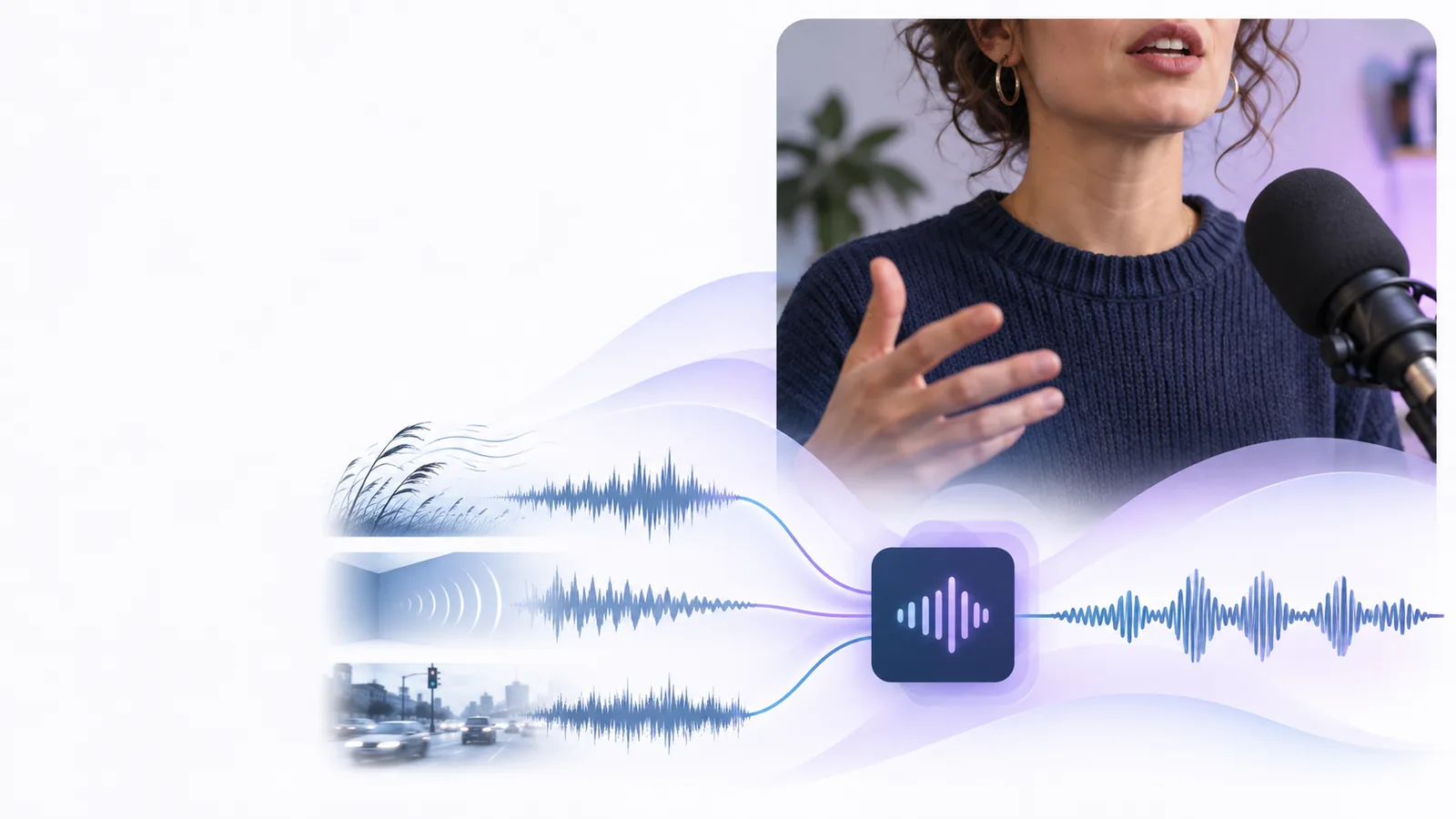
Voice enhancer examples online are easiest to understand when tied to a real recording problem. See how creators, teachers, interviewers, and teams can improve spoken audio before sharing it.

Your prompt is handed off securely
Voice recording enhancement workspace

The scenario's pain

The best example is not a dramatic studio transformation. It is a familiar recording that is almost usable, except for one distracting problem that competes with the speaker.

Remote interviewer

A guest sounds distant because the call was recorded through a laptop microphone, with room echo behind every answer.

A cleaner vocal focus makes the conversation easier to follow without requiring the interviewer to rerecord the session.
voice enhancer online

Podcast editor

Two speakers have different recording levels, and one track carries low background noise between sentences.

A more consistent listening experience gives the editor a better starting point for trims, fades, and final balancing.

voice enhancer vs ai audio

Video creator

A useful talking-head clip includes mild fan noise and a voice that loses clarity whenever the speaker turns away.

Improved intelligibility helps the message come through while preserving the natural timing and personality of the take.

voice enhancer in video

Online instructor

A lesson recording contains soft speech, uneven volume, and occasional room reflections that make captions harder to check.

A more legible voice track supports review, editing, and a smoother experience for students listening on ordinary devices.

voice enhancer free

3 concrete workflows

Each workflow starts with a specific problem, uses a focused instruction, and ends with a review rather than an automatic promise that every recording will sound perfect.

  1. 1

    Describe the recording

    State who is speaking, where the audio was captured, and what is getting in the way: echo, wind, low volume, inconsistency, or general lack of clarity.

  2. 2

    Choose the useful change

    Ask for the smallest improvement that serves the scenario, such as clearer speech, reduced distraction, or a more balanced voice track.

  3. 3

    Review before publishing

    Listen through headphones and speakers, compare difficult sections, and keep the original file so you can decide whether the result fits the project.

Example output

This comparison describes the kind of change to listen for in a spoken recording. The goal is improved communication, not an artificial voice or a replacement for careful editing.

Original recording Enhanced recording
Speech presence The speaker can sound distant or recessed. The voice is easier to locate in the mix.
Room sound Reflections may compete with consonants. The room is less distracting around spoken words.
Background noise A steady hum or fan may draw attention between phrases. The distraction may be reduced while speech remains central.
Volume balance Sections can feel uneven from one sentence to the next. The track can feel more consistent for ordinary listening.
Natural delivery The original timing and performance are preserved. The aim is to preserve the same delivery with clearer focus.
Editorial control The source remains available for manual decisions. The result should still be checked before it becomes the published version.

Before and after review

Unprocessed spoken recording example
Before enhancement
Clearer enhanced spoken recording example
After enhancement

Compare the difficult moments, not only the opening seconds. A useful result keeps the speaker recognizable, avoids distracting artifacts, and fits the context in which the audience will listen.

Before enhancementAfter enhancement

Compliance notes

Audio enhancement can improve usability, but it does not remove the responsibility to handle voices, interviews, and published material appropriately.

1

It cannot create consent

Enhancing a recording does not grant permission to use a person's voice, interview, lesson, or private conversation.

What to do instead

Confirm recording and publishing permissions before processing or sharing the result.

2

It cannot guarantee a perfect restoration

Severe clipping, overlapping speakers, heavy wind, or missing words may remain difficult even after enhancement.

What to do instead

Keep the original, test a short section first, and consider rerecording the most damaged passage.

3

It cannot replace editorial judgment

A louder or cleaner track is not automatically more accurate, natural, or suitable for every audience.

What to do instead

Review meaning, tone, timing, and speaker identity before publishing.

4

It cannot make third-party rights disappear

Music, clips, interviews, and other source material may still carry copyright, privacy, or platform obligations.

What to do instead

Use material you control or have permission to use, and document the source when appropriate.

Put one recording through the workflow

Choose a real clip with a clear problem and describe the change you want to hear. A focused request makes it easier to judge whether the result supports the recording's purpose.

  • Start with a specific audio problem
  • Keep the original for comparison
  • Review the result before publishing
Enhance my recording

Scenario FAQ

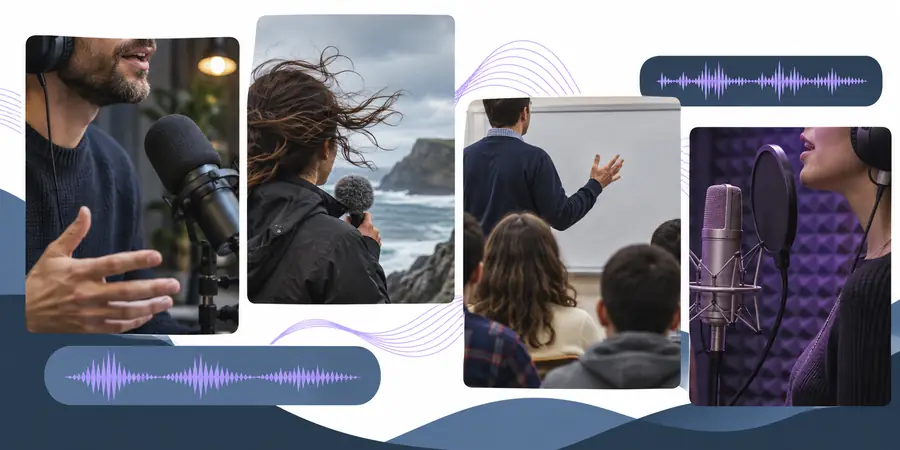
Useful examples include cleaning up an interview recorded in a reflective room, balancing two podcast speakers, improving narration in a video, or making an online lesson easier to follow. Each example starts with a specific listening problem rather than a vague request for better sound.

It can be useful when the main issue is spoken clarity inside a video recording, such as low presence, mild room sound, or uneven dialogue levels. You should still review the enhanced track against music, effects, captions, and the intended final mix.

Describe the recording context, the distracting problem, and the result you want to evaluate. For example, mention a windy outdoor interview and ask for clearer speech while keeping the speaker's natural delivery.

No. Results depend on the source recording, and strong wind, clipping, overlapping speech, or highly variable noise may remain challenging. Compare the result with the original and use manual editing or a rerecorded passage when needed.

No. Listen to important sections on more than one playback setup and check that words, tone, timing, and speaker identity remain accurate. Enhancement is a production step, not a substitute for editorial and permission checks.

Enhance audio
Enhance audio