Interview host
A remote interview has understandable answers but a thin, uneven voice track.
A clearer draft makes it easier to judge whether the conversation needs another recording pass.
A voice enhancer free workflow can help you make spoken recordings easier to follow without turning the process into a technical project. Start with a clear source, review the result, and keep the original until you are satisfied.
Continue exploring
A few simple checks make the first pass more useful and help you judge the result fairly.
Set expectations
A free workflow is useful for a first pass, but it cannot repair every recording or replace careful listening.
If speech is completely covered by music, clipping, or another speaker, enhancement cannot reliably recreate the original sentence.
What to do instead
Trim the worst section, add a transcript, or re-record the line when accuracy matters.
Room tone, microphone distance, accent, and delivery all affect the result, so natural improvement will vary between speakers.
What to do instead
Use the cleanest source available and compare the processed file with the original.
Traffic, keyboard clicks, wind, and overlapping conversation may remain after speech is made more prominent.
What to do instead
Reduce the noise at the recording stage and avoid judging the file through a noisy playback device.
A processed voice may sound clearer but still be too loud, too sharp, or poorly matched to the surrounding video.
What to do instead
Listen through headphones and speakers before publishing or sending the file onward.
The workflow
Use this three-part sequence to move from a rough recording to a result you can assess with confidence.
Choose the clearest recording you have, remove obvious dead air if needed, and keep an untouched copy so the comparison remains honest.
Describe the result you want, hand the request to the partner workspace, and let the available voice-processing flow create a revised version.
Compare speech intelligibility, background noise, volume, and naturalness. Keep the enhanced file only if it improves the listening experience.
Choose your path
The right option depends less on the word free and more on how much control and repair your recording requires.
| Browser enhancement | Manual audio editing | |
|---|---|---|
| Best for | A quick clarity check on spoken audio | Detailed repair of a difficult recording |
| Starting effort | Describe the goal and provide the source | Inspect the waveform and set processing manually |
| Control | Convenient, with fewer technical decisions | More control over levels, noise, and timing |
| Consistency | Useful for a repeatable first pass | Depends on the editor's settings and experience |
| Review needed | Listen for artifacts and unnatural tone | Listen for over-processing and abrupt edits |
| Good next step | Use the result as a draft or comparison | Polish the accepted result for the final delivery |
Who benefits
These examples show where a lightweight enhancement pass can remove friction without promising a perfect repair.
A remote interview has understandable answers but a thin, uneven voice track.
A clearer draft makes it easier to judge whether the conversation needs another recording pass.
A lesson recording is useful, but room sound distracts from the explanation.
A first enhancement pass helps the creator review speech clarity before editing the complete lesson.
A short clip contains valuable spoken context beneath a busy background.
Improved speech presence can make the clip easier to screen before detailed video editing.
A talking-head recording needs a quick listen before it becomes part of a longer upload.
The comparison reveals whether the voice is ready for the edit or should be recorded again.
Hear the difference
The useful change is easier-to-follow speech, not simply a louder waveform. Compare both versions at a comfortable listening level.
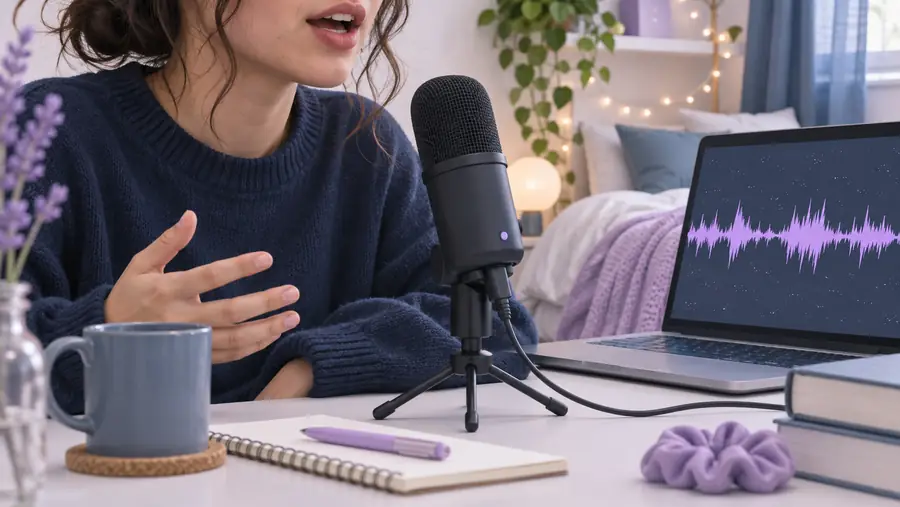
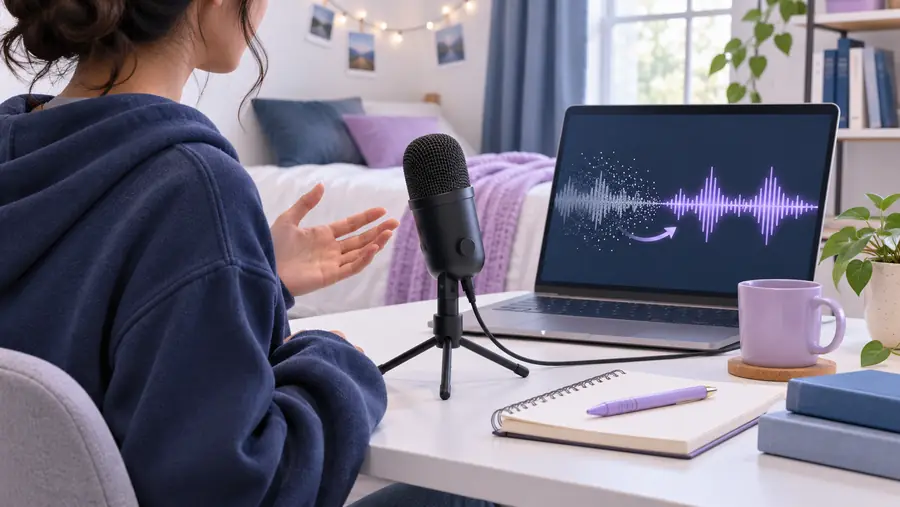
Keep the original beside the revised file while you listen.
Before enhancementAfter enhancementReady for a first pass
Bring a short, representative clip rather than your entire project. A focused comparison will show whether the available enhancement path suits the voice, room, and publishing context you are working with.
Your questions
No. It can be a sensible first pass for speech that is present but difficult to hear, yet it cannot reliably restore words covered by clipping, heavy noise, or overlapping speakers. Always compare the result with the original.
Prepare the clearest source file you have and keep an untouched copy. It also helps to know whether your priority is speech clarity, background reduction, or a more balanced voice level.
Not necessarily. Background sound varies widely, and aggressive processing can make speech sound artificial or leave artifacts. Treat the result as a draft to assess, not as a guaranteed full cleanup.
Listen for easier-to-follow words, a natural voice tone, and a comfortable level on more than one playback device. If the revised file is louder but less natural, the original may still be the better choice.