Solo video creator
You record a talking-head lesson, commentary, or tutorial at home, then cut pauses and mistakes in your usual editor.
Use enhancement after the rough cut to give the finished narration a more consistent listening experience.
YouTube audio workflow
A voice enhancer for youtube helps creators make spoken audio clearer before the final upload. Start with the part of your existing edit that needs the most attention, then hand it off for enhancement.
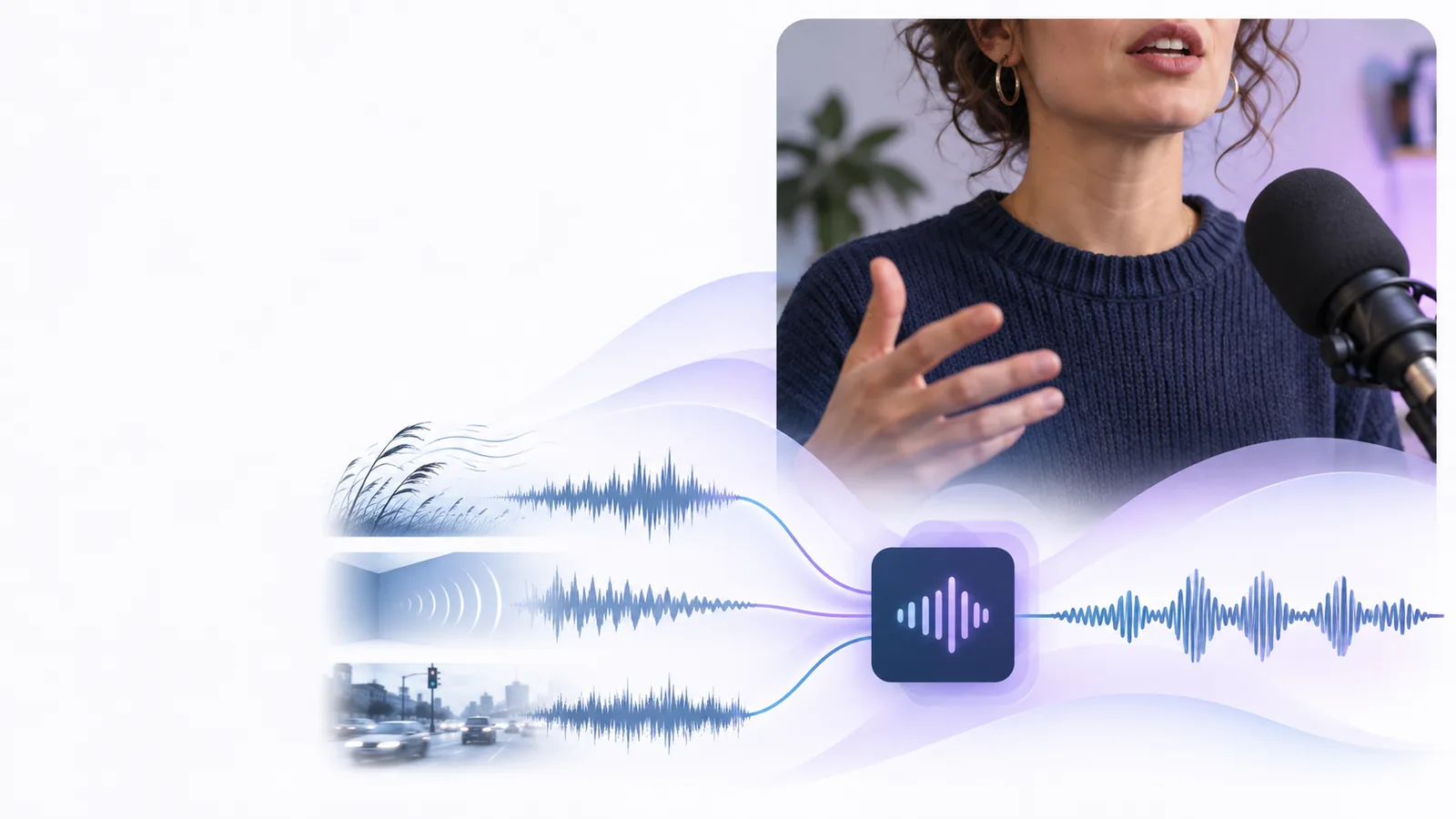
Creator situations
Most YouTube creators already have a repeatable path from recording to upload. The useful question is not whether to replace that path, but where clearer speech will remove friction for viewers.
You record a talking-head lesson, commentary, or tutorial at home, then cut pauses and mistakes in your usual editor.
Use enhancement after the rough cut to give the finished narration a more consistent listening experience.
You turn a long interview or podcast episode into a video with multiple speakers and several short clips.
Process the selected dialogue before assembling clips so the conversation stays easier to follow across speakers.
You publish screen recordings, walkthroughs, or internal training videos where the spoken explanation carries the lesson.
Treat the voice track as a teaching asset, checking clarity before captions, graphics, and the final export.
You receive camera footage, a separate microphone track, and an edit brief from a creator working on a regular upload schedule.
Add a defined audio review step between the rough assembly and delivery so problems are found before publishing.
Simple handoff
Keep the workflow familiar: select the spoken material, enhance it, then listen in context before you export the YouTube master.
Start with the narration, interview excerpt, lesson, or voiceover that needs attention. Keep music and sound effects separate when you want to judge speech on its own.
Use the handoff to open the partner experience with a focused instruction about the audio. Describe the desired result plainly rather than asking for a broad production overhaul.
Listen to the processed result against the visuals, captions, music, and surrounding clips. Keep the version that supports the story and fits your channel's sound.
Related workflows
Listen for the difference
The comparison should be judged by intelligibility and fit, not by making every recording sound artificially polished. Use the visual pair as a reminder to check the audio in the context of the video.
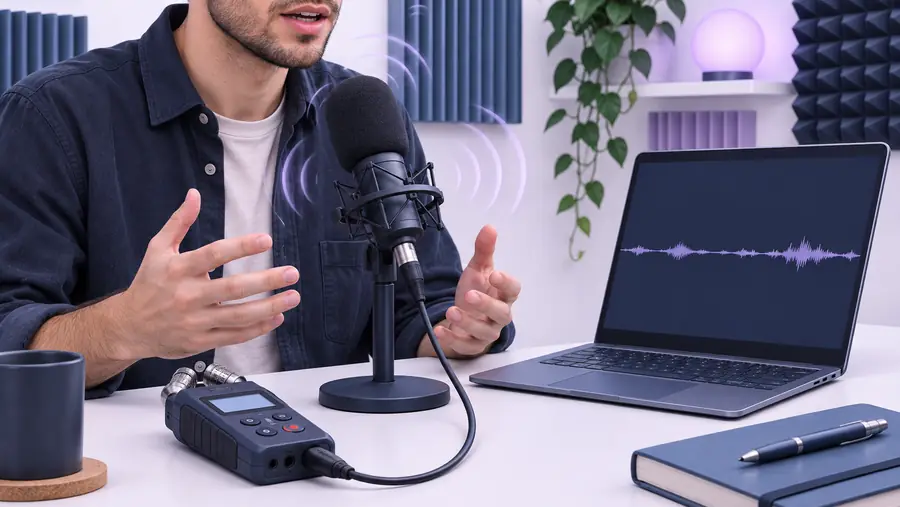
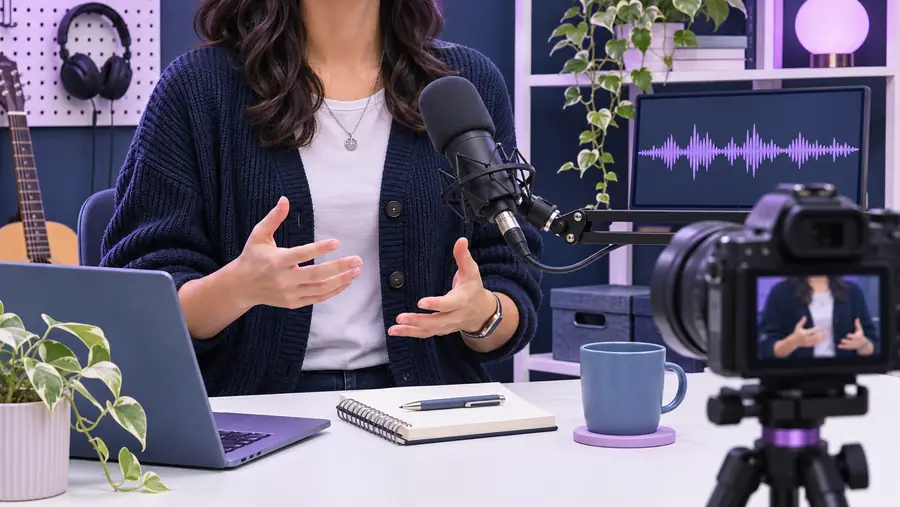
Compare speech in the full edit, not in isolation.
Before enhancementAfter enhancementSet expectations
A YouTube-ready result still depends on the source recording, the edit, and your own review. Enhancement is one stage of production, not a replacement for editorial judgment.
A cleaner voice track does not fix a confusing script, weak pacing, or a missing explanation.
What to do instead
Revise the wording and structure first, then enhance the sections that carry the final message.
Heavy clipping, severe distortion, overlapping speakers, or missing words may remain difficult to repair convincingly.
What to do instead
Use the best available source and re-record critical lines when the meaning is at risk.
The right balance between speech, music, ambience, and effects depends on the video's purpose and your audience.
What to do instead
Place the enhanced voice back in the timeline and make the final balance decisions there.
A file can sound acceptable alone but compete with captions, transitions, music, or fast visual changes in the published cut.
What to do instead
Review the complete video on the listening setup your audience is likely to use.
Ready for the next upload
Give spoken audio a clear place in the production checklist instead of leaving it until the last export. Hand off a focused request, review the result against the edit, and publish only when the voice supports the story.
Scenario FAQ
For many creators, it fits after the rough cut identifies the important spoken sections and before the final mix. That lets you judge the enhanced voice alongside music, captions, transitions, and visuals.
Yes, narration and interview dialogue are common situations to review for clearer speech. Work with the relevant spoken sections and check each speaker in the context of the finished video.
Start by evaluating the voice on its own so you can hear what needs attention, then place it back against the music and other layers. The final balance should be decided in the complete edit.
It may help with some clarity problems, but it cannot guarantee that severe clipping, distortion, missing words, or overlapping speech will become usable. Keep the best source recording available and re-record important lines when necessary.
Compare both versions at normal listening volume and watch the full section with its visuals, captions, music, and effects. Choose the version that makes the message easier to follow without distracting from the speaker's natural delivery.